Expanding the Aloha Ecosystem: Native Linux Support Is Here
Aloha Browser is now available for Linux in Beta, with native .deb and .rpm packages, a built-in ad blocker, a built-in VPN, a video downloader, Snips, and cross-platform sync.

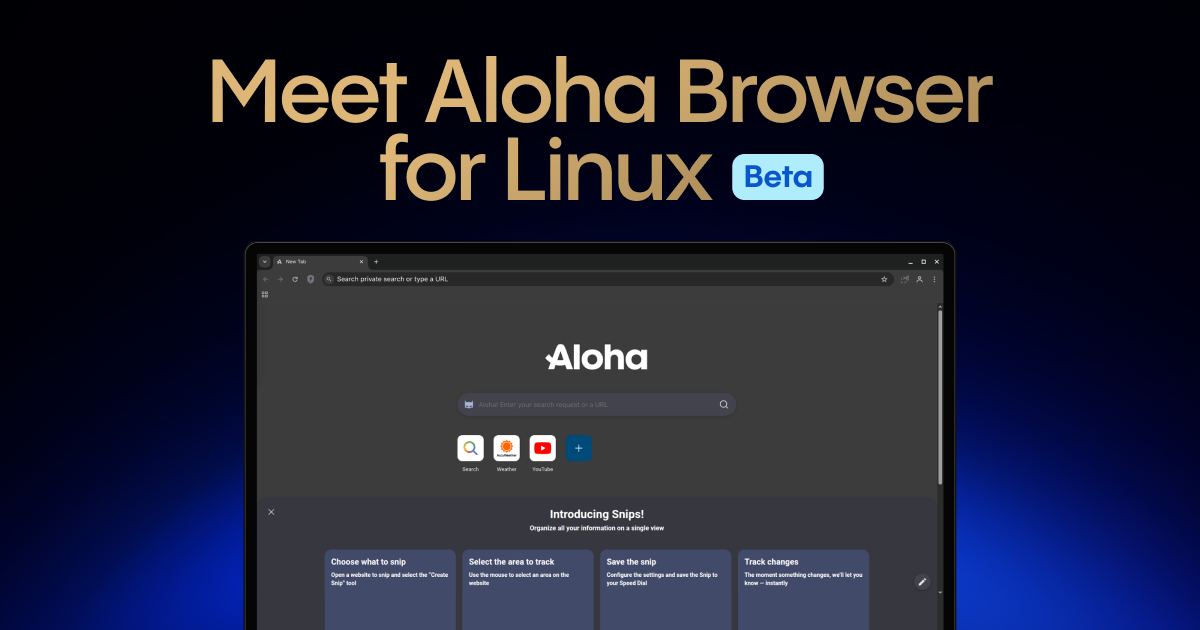
Aloha Browser is now available for Linux (yes, it is a Beta).
After years of building Aloha Browser for mobile and desktop, we’re bringing the same privacy-first browsing experience to Linux users with native .deb and .rpm packages.
You can download Aloha Browser for Linux here:
Download Aloha Browser
The current Linux release is available as standalone packages for Debian- and RPM-based distributions, including Ubuntu, Debian, Fedora, and openSUSE. We know many Linux users prefer package repositories, Flatpak, or Snap for easier updates and sandboxing. For now, the confirmed installation options are the official .deb and .rpm packages.
Privacy-first, with independent assessment
We know trust is earned, especially in the Linux community.
Aloha’s software systems have undergone independent third-party assessment by Leviathan Security Group. Aloha’s privacy page states that its code, documentation, and processes passed a thorough assessment by Leviathan Security Group, an independent third-party security firm.
Native packages for your distro
Aloha Browser for Linux is available as native desktop packages:
- .deb for Debian-based distributions
- .rpm for RPM-based distributions
That means you can install Aloha Browser directly on many common Linux desktop setups without relying on a browser extension stack or a web-app wrapper.
Download the package that matches your distribution, install it, and start browsing with Aloha’s built-in privacy and productivity tools.
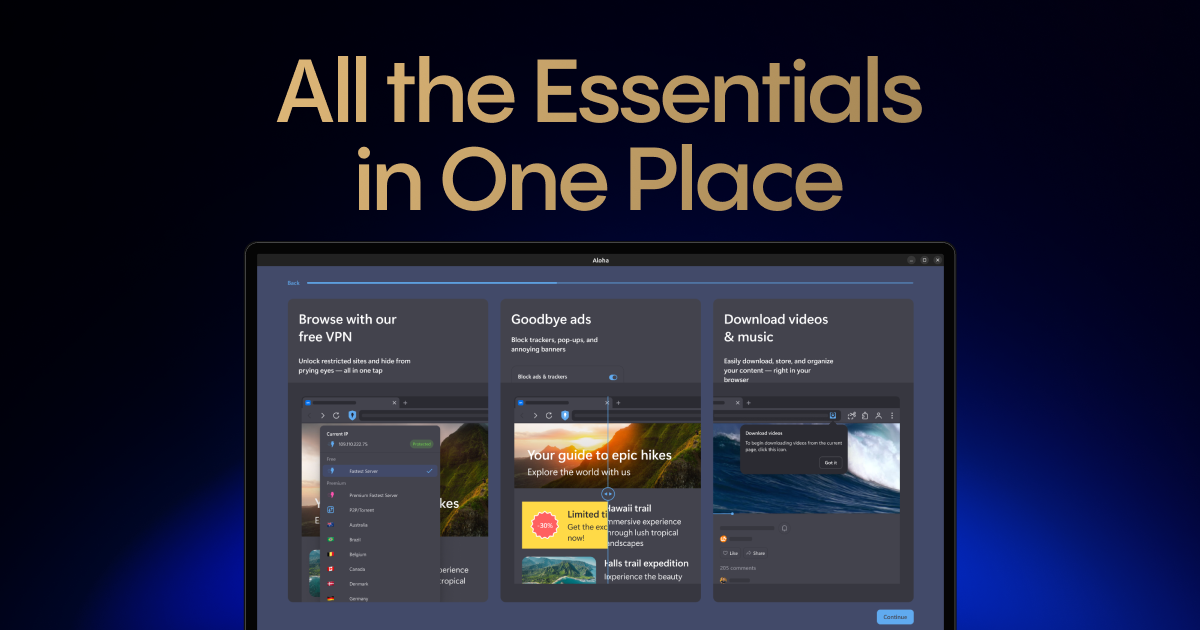
What you get in Aloha Browser for Linux
Built-in ad blocker
Aloha Browser includes ad blocking directly in the browser, helping reduce intrusive ads, trackers, pop-ups, and unnecessary page clutter.
For Linux users who already care about leaner, cleaner browsing, this means fewer add-ons to manage and fewer distractions while working.
Free VPN
Aloha Browser includes VPN access for your security and private browsing.
Video downloader
The built-in video downloader can be useful for saving supported media to your device.
For creators, researchers, developers, and anyone working offline, this can make it easier to keep useful video assets available without switching tools.
Snips
Snips lets you select a specific part of a webpage and pin that fragment to your home screen.
On a desktop, this becomes more than a convenience feature. Think of it as a lightweight personal dashboard: track a price, follow a score, monitor a page section, or keep one useful web fragment visible without opening the full page every time.
Cross-platform sync
Aloha Browser also supports sync across devices, so your browsing experience stays connected between your Linux desktop and your mobile.

Built for users who want more control
Linux users value choice, privacy, and control over their tools. Aloha Browser for Linux is another step toward making Aloha available wherever people want to browse privately.
This is the Beta version of Aloha Browser for Linux, and your feedback is especially important at this stage.
If you try it, please share your experience with us: tell us which Linux distribution you use, how the installation went, what works well, and what you think we should improve before the stable release.
Try Aloha Browser for Linux now!