Introducing Aloha Private Cloud: A Safer Home for Your Downloads
Aloha Private Cloud gives Premium users 10GB of private cloud storage for downloads, videos, audio, and folders, built into Files on iOS and Android.

The worst way to free up space is to delete the app that holds the files you wanted to keep.
It happens more often than it should. Your phone is full. You need room for something new. You remove a few files, then a few more, and sometimes the whole app goes too. Only later do you realize that the collection you built inside it has gone with it.
Aloha Private Cloud is built for that exact moment.
Starting today, Aloha Private Cloud is rolling out to Premium users on iOS and Android. It gives your downloads a private cloud home in Aloha, so the files you choose to upload are linked to your Aloha profile rather than to a single phone or tablet.
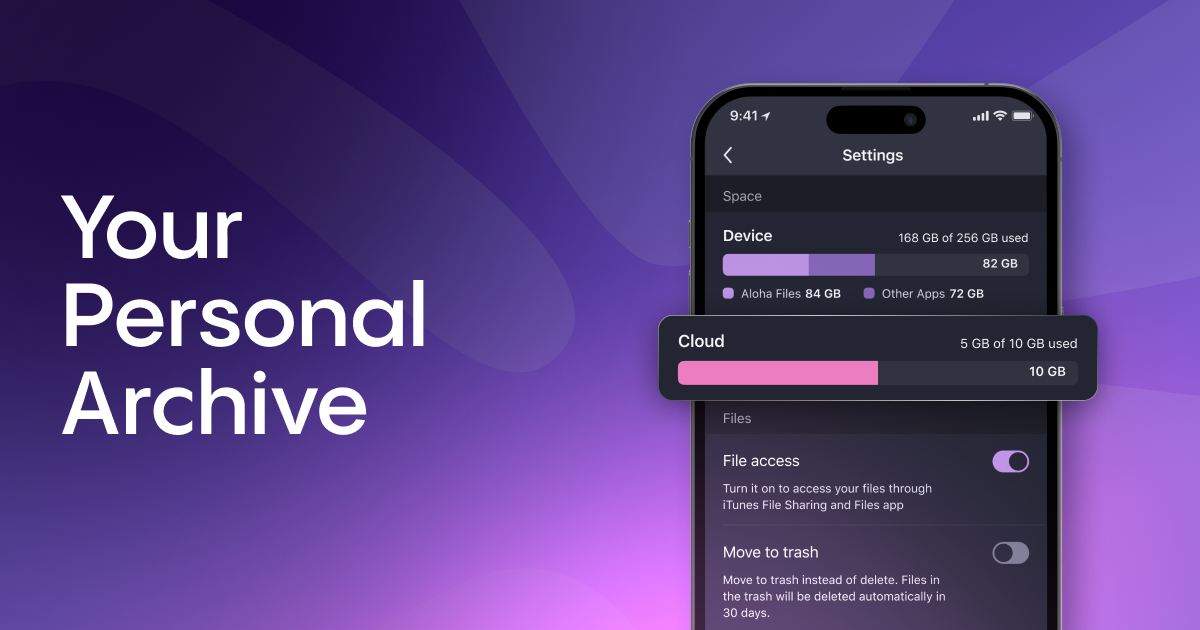
Your phone was never designed to be an archive
Aloha has always made it easy to save things you want to keep: videos, photos, audio, documents and entire folders of files. Used that way, Aloha becomes more than a browser. It becomes a personal archive.
The problem is that an archive built only on local storage is fragile. It is limited by whatever space is left on your device. It does not follow you cleanly when you switch phones. And it can disappear when the app is removed.
In our user research, this comes up repeatedly. People describe their downloads as a personal collection they have spent real time building. Losing it is not a small inconvenience. It is the thing they are trying to avoid.
Aloha Private Cloud is our answer.
What Aloha Private Cloud is
Aloha Private Cloud is private cloud storage built directly into the Files section of the app. It is not a separate drive you need to manage somewhere else.
Every Premium account now includes 10GB of private cloud storage.
The important change is where your uploaded files belong. Local downloads live on one device. Files uploaded to Aloha Private Cloud are linked to your Aloha profile, so a new phone, a low-storage warning, or a fresh app install does not put the uploaded part of your collection at risk.
Your local file stays where it is. Uploading creates a cloud copy, so you can decide what remains on your device and what can live in the Cloud.
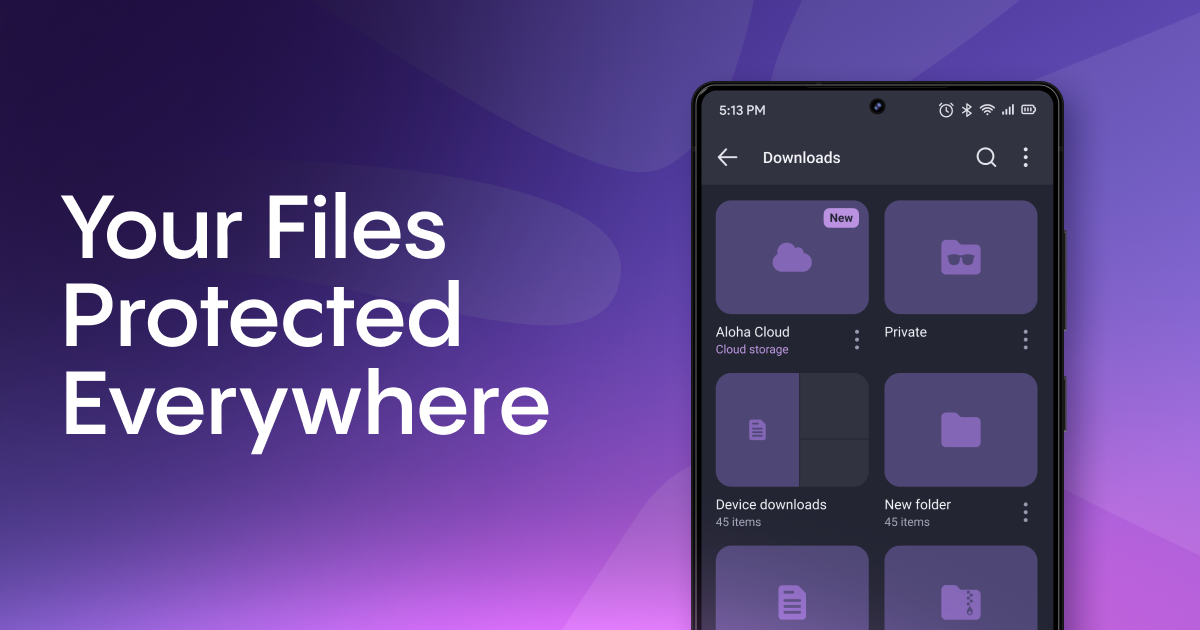
How it works
Upload to the Cloud
A dedicated Cloud folder now appears in Files. You can upload one file, select several files or move an entire folder at once.
Keep files even if the app is removed
Cloud files are linked to your Aloha profile, not to one app installation. If you uninstall Aloha, lose your phone or move to another device, your uploaded files remain available. Reinstall Aloha, sign back in to your profile, and open the Cloud folder.
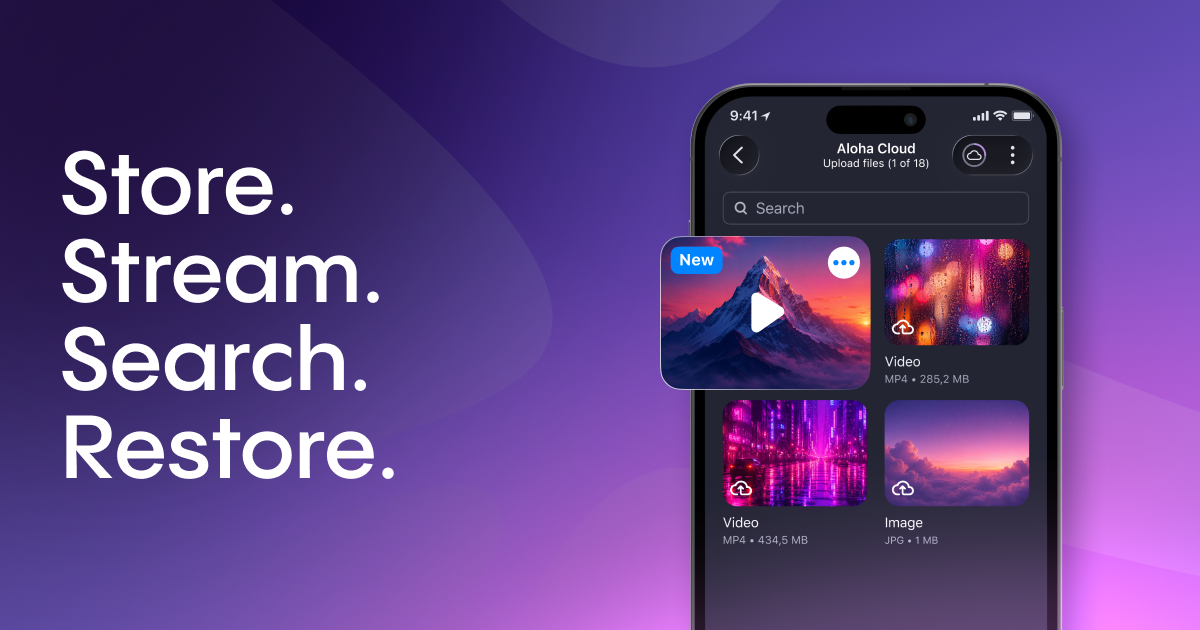
Watch and listen without downloading first
Photos, videos and audio can stream directly from Aloha Private Cloud. Playback works with the familiar controls you already use for local files, including scrubbing and speed control.
Find files faster
Search runs across your Cloud files, and you can sort by name, size or date modified, just like with local files.
Undo the wrong tap
Deleted Cloud files and folders are stored in Cloud trash for 30 days before being permanently deleted. A mistaken tap should not cost you something important.
Built the Aloha way
Aloha Private Cloud was designed around the same idea as the rest of Aloha: your files should stay yours.
We also thought carefully about what happens if a Premium subscription ends. Losing files without warning is not acceptable.
If Premium ends, Aloha Private Cloud switches to read-only mode. You get 30 days to export your files, with push notifications and emails as reminders before anything is permanently deleted.
That gives you time to take your files with you, rather than discovering too late that a subscription change has turned into a storage problem.
What’s next
This launch is the first step.
Aloha Private Cloud is part of a wider move to make Aloha more connected across devices while keeping the Files experience simple inside the app.
Next, we're adding the ability to buy additional storage in 100GB, 500GB, and 2TB — for anyone who needs more room than the included 10GB in standard Premium.
And we're building a web version of Aloha Cloud, so your files will be accessible from any browser on any device — and you'll be able to share your collection with friends, not just keep it to yourself.
This launch is a first step, not the whole plan.
Aloha Private Cloud starts with one simple job: give your downloads a safer place to live.
Update Aloha Browser on iOS or Android, try Aloha Private Cloud with Premium, and tell us what would make it more useful for the way you save, watch and manage files.
Our partners