The Privacy Gap: Why Opening Links Outside Aloha Browser Can Disrupt Your Routine
If you use Aloha for private and secure browsing, downloads, and VPN access, setting it as your default browser helps maintain that experience when you open links from other apps.

You chose Aloha Browser on iOS or Android for a reason. Maybe it is the built-in VPN, private browsing tools, or the ability to save content more easily in one place.
But there is one small setting that can affect how consistently you use those features every day: your default browser.
Think about how often you open links from other apps. A message arrives on WhatsApp. A newsletter lands in Mail. A post on X sends you to a website. If Aloha is not your default browser, those links may open somewhere else.
That creates a gap between the browsing setup you prefer and the one you actually end up with.
What is the privacy gap?
The privacy gap happens when you leave the apps you use daily, and a link opens in a different browser instead of Aloha.
If Aloha is your go-to browser for privacy features, downloads, and VPN access, setting it as your default helps keep that experience consistent, instead of forcing you to switch apps or copy links manually.
Why setting Aloha Browser as the default can make a difference
1. Your preferred browsing setup is ready right away
Aloha Browser offers a privacy-focused experience. When links open there by default, you don't need to stop and reopen the page in another browser to continue browsing as you prefer.
2. You get a more consistent routine
Switching between browsers causes friction. It can also lead to losing track of your tabs, downloads, and browsing activity. Using a single main browser simplifies that workflow.
3. Downloads are easier to handle
If you often save videos, files, or other content in Aloha Browser, opening links there first saves you steps. You don't need to copy a URL, switch apps, or reload the page to do what you initially intended.
4. Region-based access is easier to manage
If you open region-limited content, it is more convenient to land directly in the browser where you already use Aloha’s VPN features, rather than switching over after the page has loaded.
5. Special VPN server types can help with specific tasks
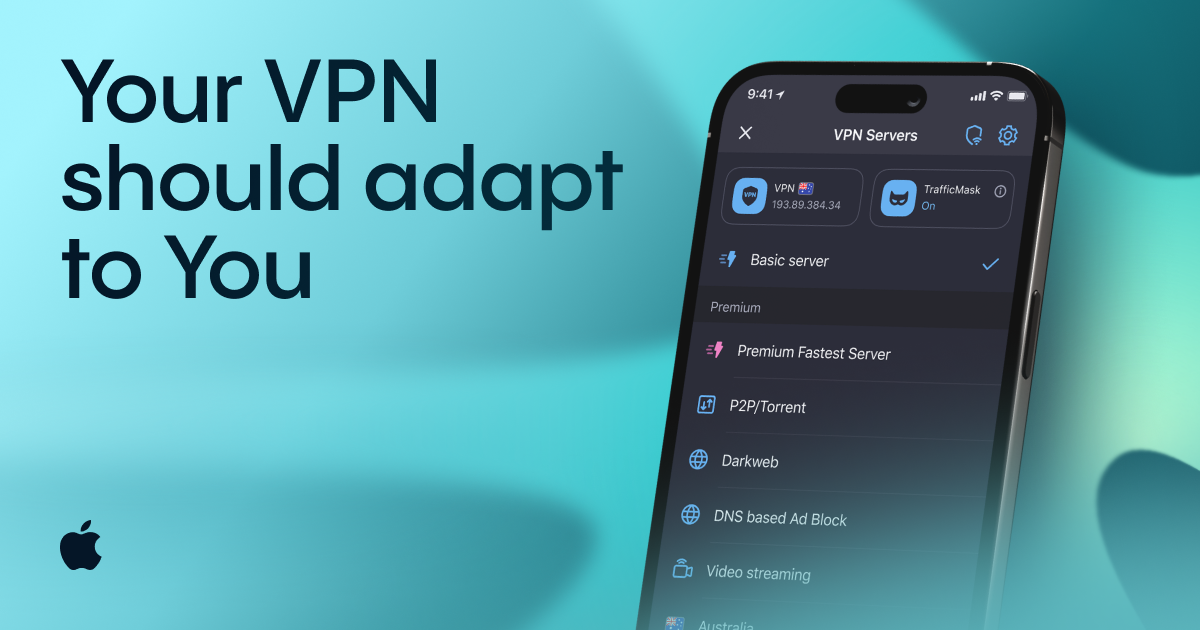
If your version of Aloha includes special VPN server types, choosing the right one can make certain tasks more convenient.
- P2P — for torrents and other peer-to-peer services
- Video Streaming — intended for streaming platforms and video-heavy websites
- Dark Web — for direct access to dark web resources
- DNS-based Ad Block — blocks ads at the VPN server level rather than only in the browser
- Smart Routing — for seamless, borderless browsing
That means setting Aloha as your default browser does more than save you a few taps. It helps you get to the setup you actually want faster.
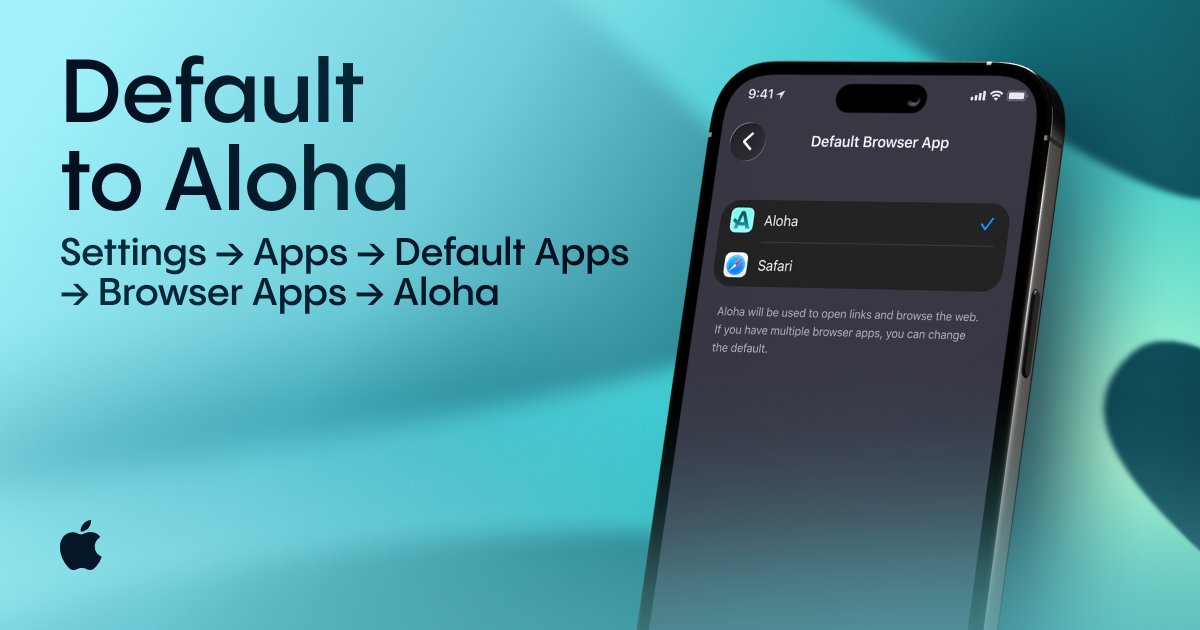
How to Make Aloha Your Default Browser
On iPhone or iPad
- Open Settings
- Tap Apps
- Tap Default Apps
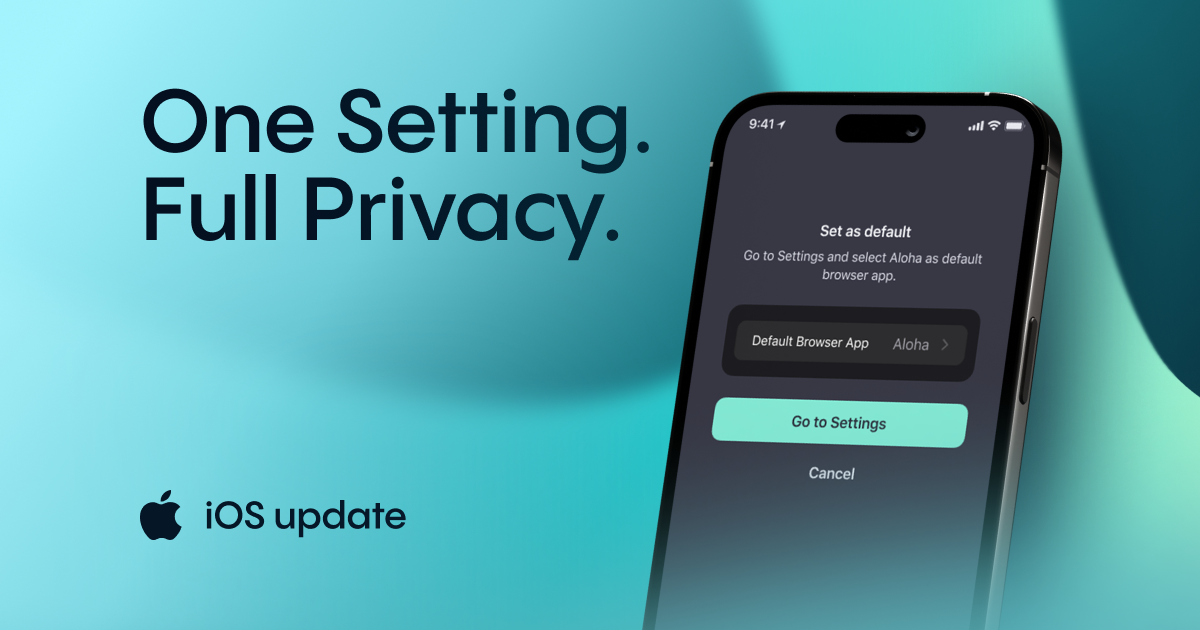
- Tap Browser App
- Select Aloha
On Android
- Open Settings
- Tap Apps
- Tap Default apps or Choose default apps
- Tap Browser app
- Select Aloha
Will this impact how your other apps function?
Not in the way most people worry about. Your email, messaging, and social apps stay the same. The main change is simply which browser opens web links.
Close the gap
If you already use Aloha Browser for privacy-focused browsing, downloads, and VPN access, setting it as your default browser is an easy way to keep that choice consistent. It only takes a minute, and it helps maintain your browsing routine across the links you open daily.
Try a Special VPN server location with a 30-day free Premium trial! Get it now for Android and iOS at https://alh.to/vpn.
Start with 30 days of free Premium through the link above, and if you enjoy it, continue with a paid subscription to keep unlimited access to all Aloha Browser Premium features. Your subscription helps us keep developing new features and improving existing ones. Because Aloha does not rely on selling users’ browsing data, Premium subscriptions are essential to supporting the browser’s future.
Related reading
- Update for Aloha Browser on Android
- New update of Aloha Browser for iOS
- Happy New Year, Aloha Browser Friends!
Our partners