Stream Recording for All Users! Meet the New Update of Aloha for Android
Stream recording is now available for everyone! Check out what's new in Aloha Browser for Android.

Ever come across a video online that was so good you just had to save a clip? Maybe it was an amazing gaming play, a cooking tip, or a hilarious meme. Usually, these moments disappear once you refresh the page.
Well, not anymore. We have a massive update for our Android users, and it starts with a feature everyone has been asking for.
Try Record Streams for Free!
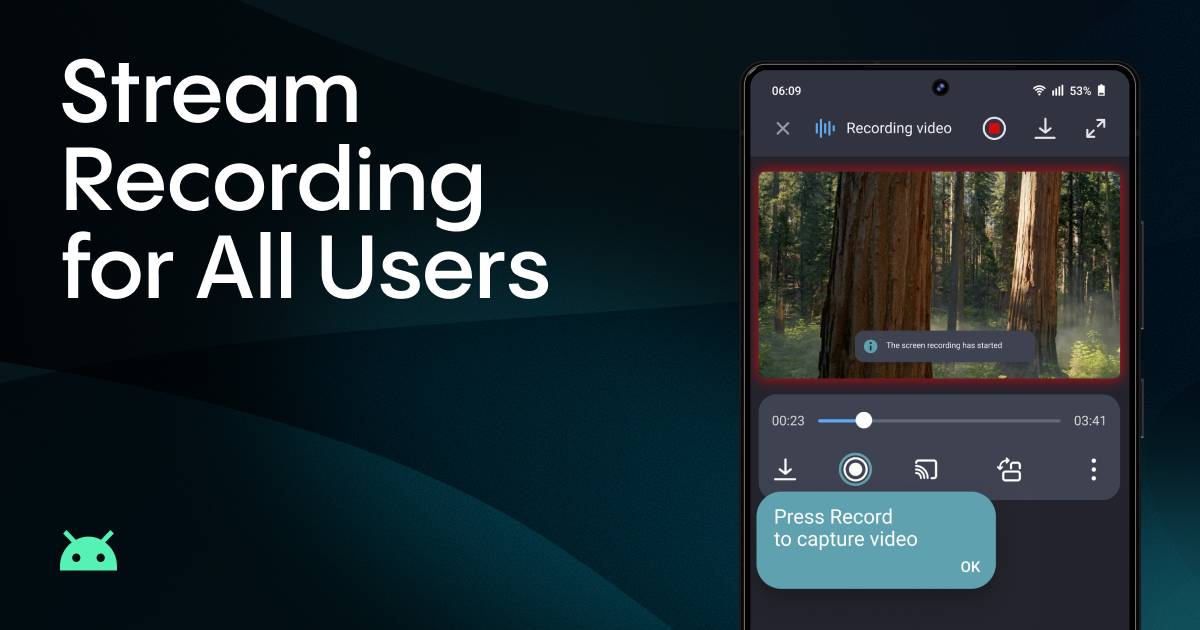
We believe everyone should have the tools to save what they love. That’s why Stream Recording is now available for all users!
Previously, this was a Premium-only feature. Now, even if you are using the free version of Aloha, you can record a video stream. Each free recording can be up to 1 minute long - perfect for capturing those "you had to be there" moments.
Never Lose Your Source
Have you ever looked at a video in your downloads and thought, "Where did I find this?" For all your recorded and downloaded files, we’ve added an “Open source page” option in the menu. This lets you jump straight back to the original website where the video came from. It’s like a teleport button for your media!
Your Video, Your Way
The Media Toolbar is a very useful tool that sets us apart from the competition. However, in the past, convenience sometimes came with a cost: on some sites, it was essential, while on others, it was a distraction. In the new version, you can customize its visibility for each site you visit. Try it now: Central Menu Button -> Website Setting.
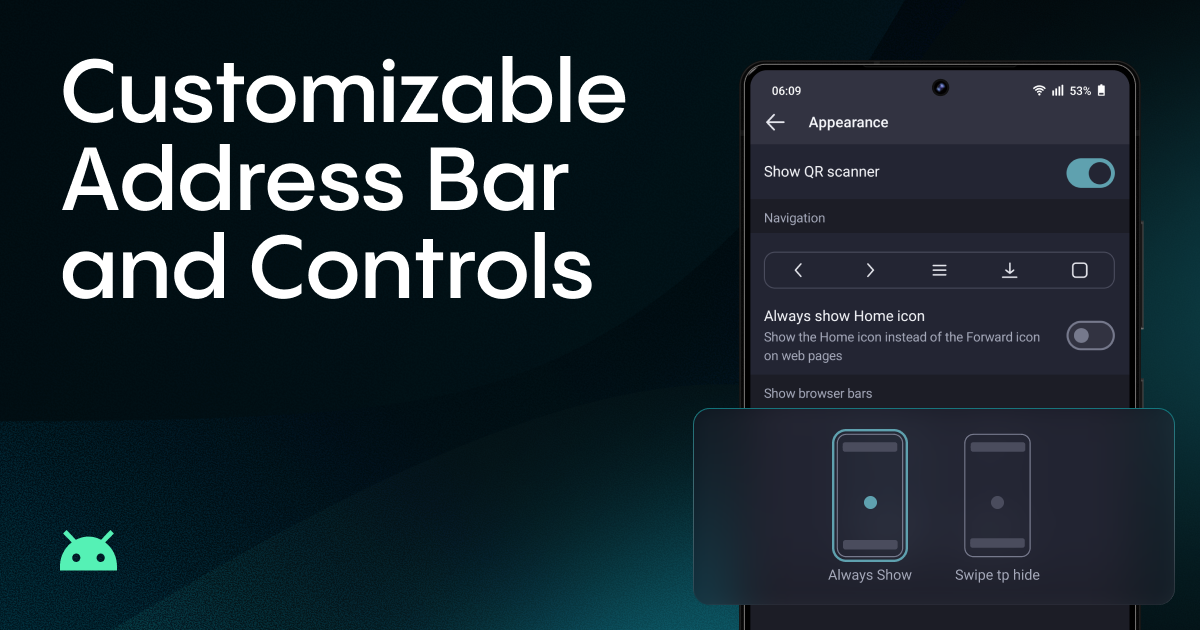
More personal, more convenient browsing
Our users asked, and we listened. Everyone has a different browsing style. Some people want more screen space, while others prefer their controls always within reach. Now you can choose: keep the address bar and navigation buttons always visible, or let them hide automatically as you scroll - and reappear when you need them. Just pick what feels right for you.
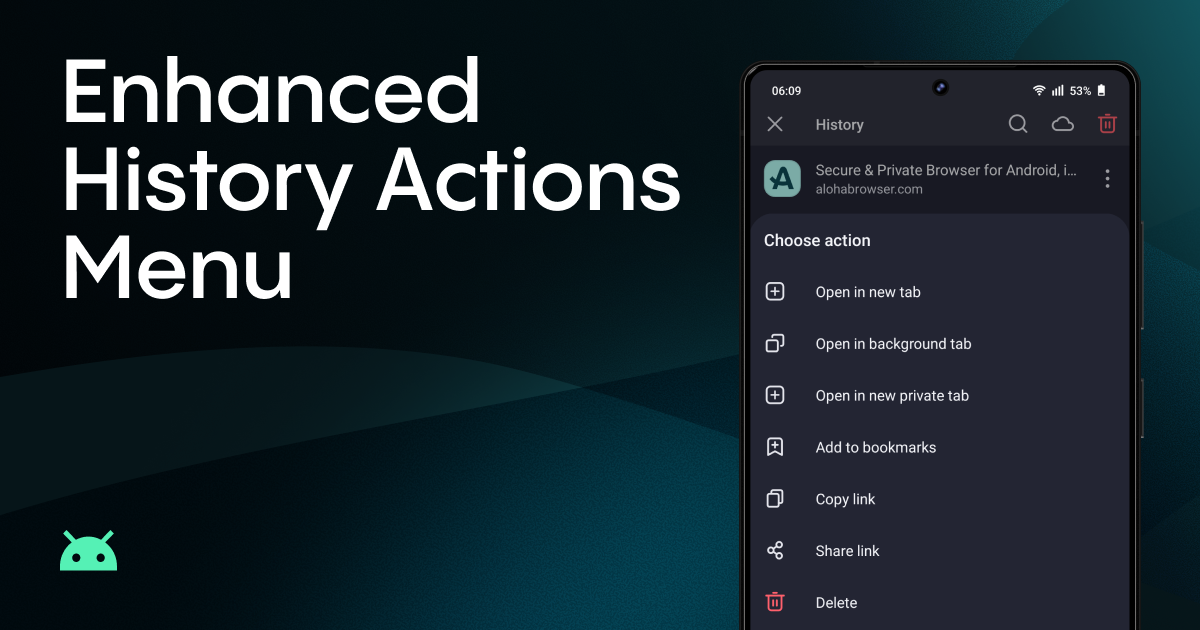
History Just Got More Useful
Let’s be honest: your browsing history is more than just a list of pages. With our new actions, you can manage your past visits more confidently and efficiently.
We’ve added a range of new actions to your visited pages. To see the new options, go to: Central Menu Button -> History -> Three-dots menu on the right.
Managing your past browsing is now faster and much easier. Try it out, you’ll be surprised at how much more you can do!
Ready to try these new features? Update Aloha Browser on the Google Play Store
Tell Us What You Think!
We want to hear from you-your feedback helps us improve Aloha. Share which new features you love or suggest what you'd like next.
We are constantly working to make Aloha the best browser for your Android device. Which of these features is your favorite? Do you like the new stream recording, or are you more excited about the cleaner UI?
Drop a comment below and let us know!
If you run into any trouble or have a technical question, our team is here to help. Send us an email at support@alohabrowser.com, and we’ll get you back on track.
Support the development of new great features by subscribing to Premium. We don’t log or sell any data, and we appreciate your help and support!
Happy recordings and smooth browsing!
Related reading
- Presenting Media Toolbar in Aloha on Android
- Background Audio from Videos with Screen Locked
- Your Friends Asked for 5 Seconds Only. You Can Do It Now.
Our partners