Download your files straight to Aloha Cloud
Some files you can’t download twice. Now Aloha sends them straight to Aloha Cloud the moment you download, so they don’t depend on one phone.

You saved a video last month. This week, the site took it down. Your phone is now the only place it exists.
That’s the quiet problem with downloads: they live on one device. You don’t notice until that device is lost, broken or wiped. Then everything on it goes too: a work contract, your travel photos, a video you can’t find anywhere else. Some files are too important to depend on one phone.
From “download” to “saved” in one step
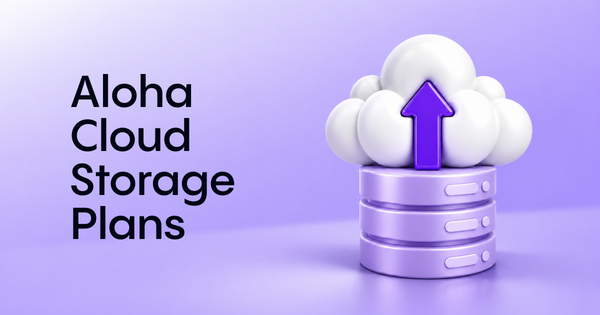
Recently, we launched Aloha Private Cloud, with up to 2TB of space for the files you don’t want to lose. Now we’ve made getting them there a lot easier.
With this update, Aloha sends your files to the cloud the moment you download them. There’s no extra step to remember, and the files you care about stop depending on a single phone.
How it works
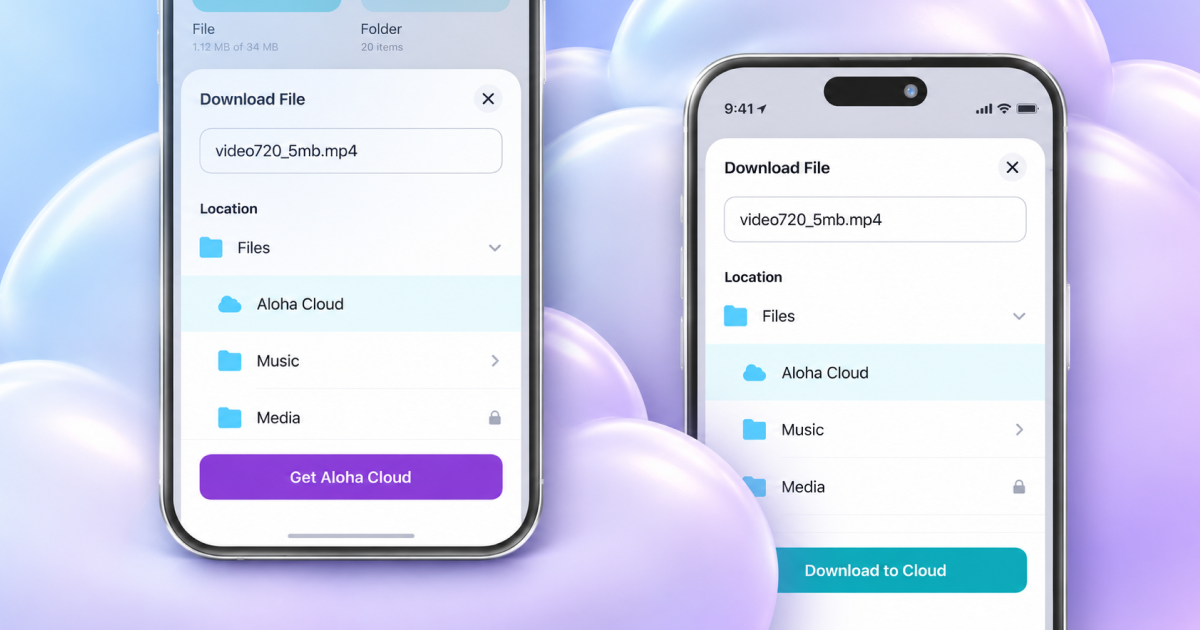
- Download as usual. The folder picker opens, like always.
- Pick Aloha Cloud. Choose Aloha Cloud in the folder picker and tap “Upload to Cloud”.
- Decide what stays on your phone. Keep a local copy, or delete it once the upload is done. Save your choice and you’ll never be asked again.
- Done. Aloha downloads the file and sends it to the cloud on its own. You can follow the progress in your downloads list.
What’s next
We’re working on Aloha Cloud for the web, so you’ll be able to open your files in a browser on any device and share a collection with friends via a link.
Try it on your next download
Update Aloha Browser Android. Then download something you’d hate to lose and pick Aloha Cloud. That’s one less file living on borrowed time. Soon available on iOS.